
Guide · image to image ai online
Image to image AI with optional reference uploads
Open the studio, upload references, describe what should change, and generate a guided result.
Opens the homepage studio with a matching aspect ratio and starter prompt. free AI image generator homepage
Example image-to-image restyles
Sample outputs in this use case. Open the studio preset above to generate your own variation.
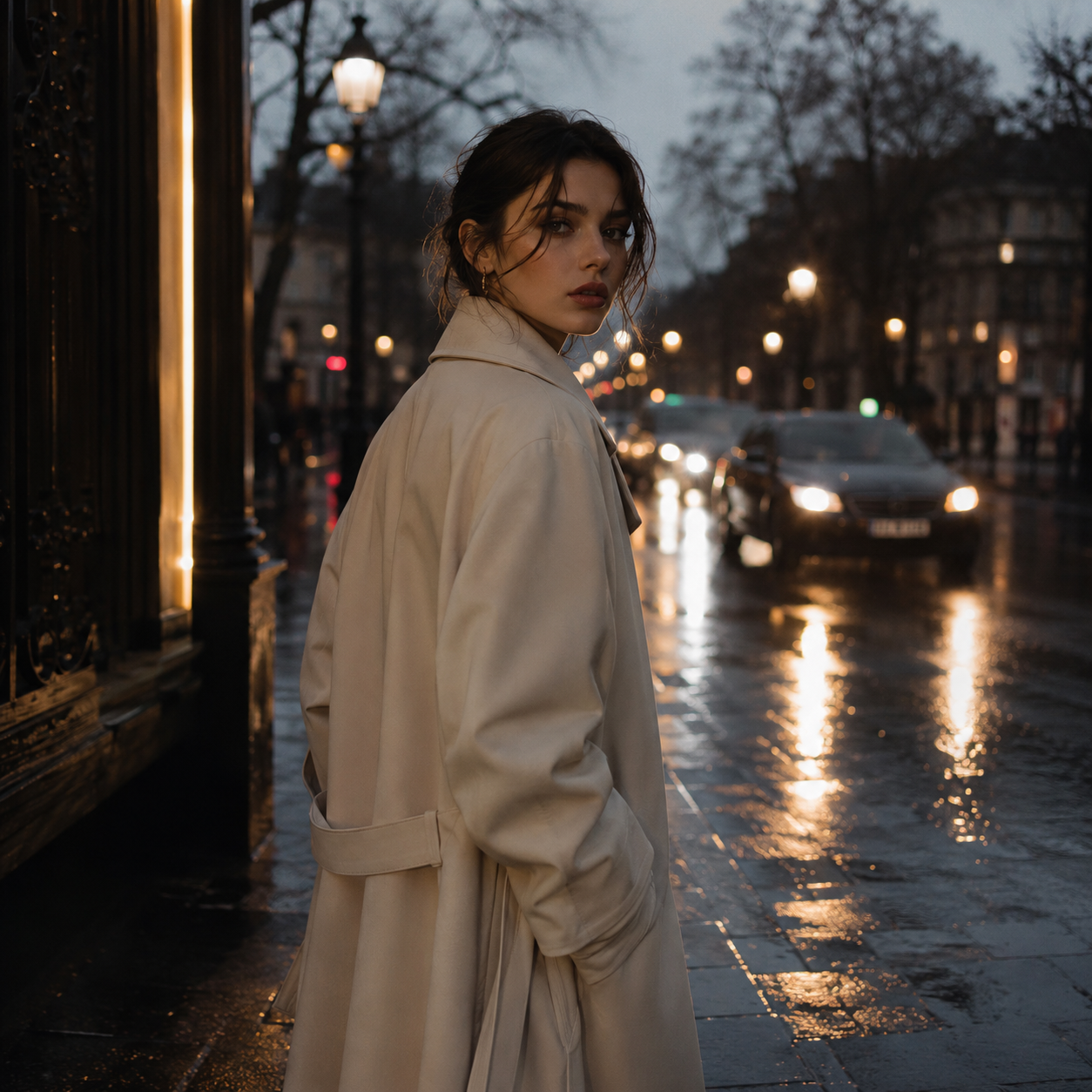
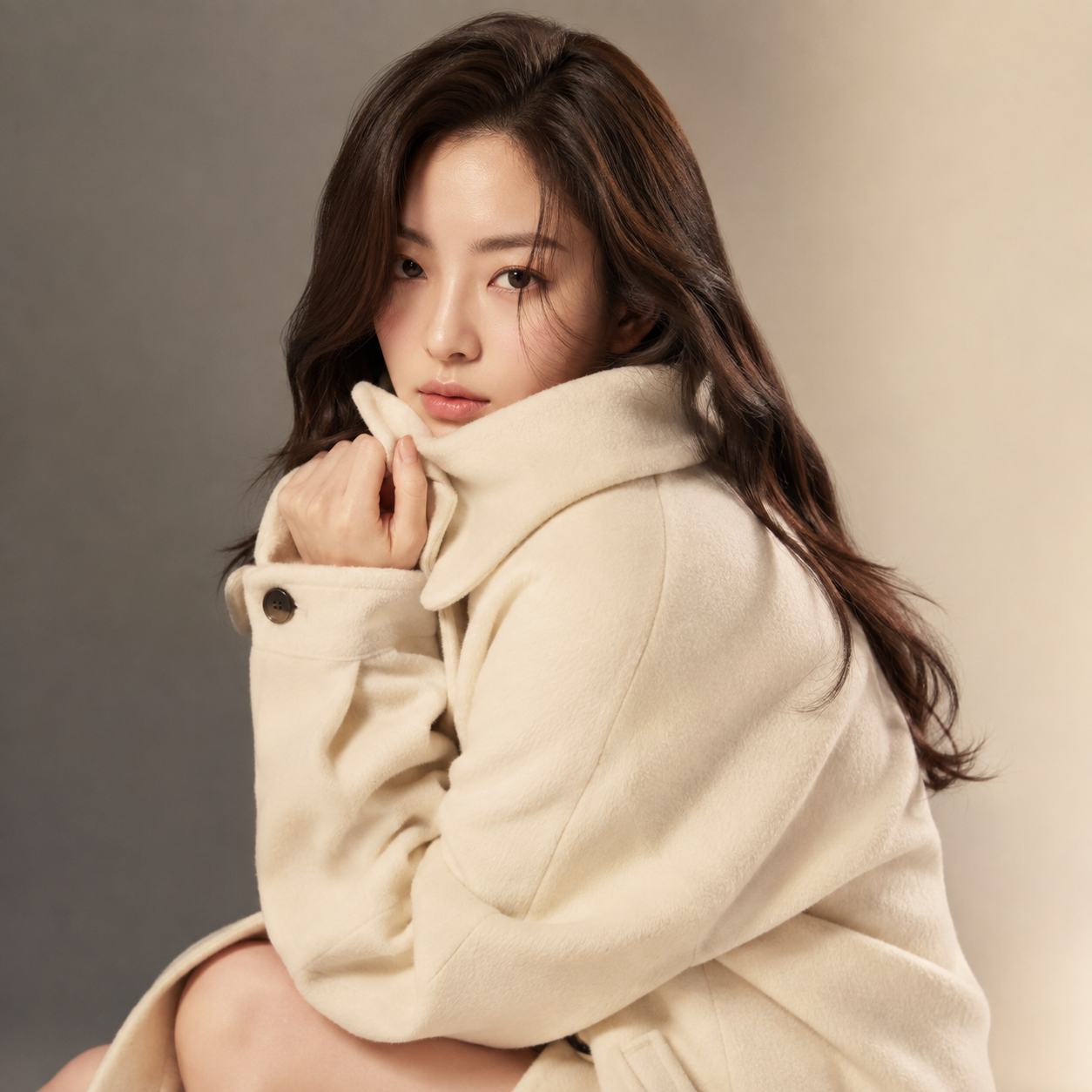
What is image to image AI?
Image to image means you supply one or more reference photos plus a text prompt so the model follows those visuals while still taking direction from your words.
On AI for Image Generation you can upload up to 12 JPG, PNG, or WEBP references (max 20MB each). Guests keep a free daily quota; signed-in users get credits and history.
Use this when likeness, product shape, or style continuity matters more than a blank-prompt start.
How to run image to image
Step 1
Open the studio from this guide
The CTA loads a starter prompt that asks the model to keep subjects from your references while refreshing the set.
Step 2
Upload sharp references
Prefer original camera files over soft social screenshots. Add multiple angles if you need better subject lock.
Step 3
Say what should stay and what should change
Example: keep the product silhouette, replace the background with a soft studio. Ambiguous instructions produce mixed results.
Step 4
Generate, review, refine
Check edges and identity. Adjust the prompt or references, then generate again within your quota.
Limitations and best results
- References guide the model; they do not guarantee pixel-perfect copies.
- Heavy compression and tiny faces reduce fidelity.
- Uploads are processed to create your image and are not used to train public models—see the Privacy Policy for retention.
Frequently asked questions
How many reference images can I upload?
Up to 12 images per job, JPG/PNG/WEBP, max 20MB each.
What if I generate without references?
The studio still works as text to image. References are optional guidance.
Is image to image free?
Guests get a free daily generation quota. Sign in for credits and higher quality.
Do you train on my uploads?
We do not use your content to train public models. See the Privacy Policy for retention details.
When should I use text to image instead?
When you have no reference and want a fully new scene from words alone—see the text to image guide.