
Guide · ai podcast cover generator
Free AI Podcast Cover Generator
Use this free AI podcast cover generator to open a 1:1 studio preset, describe your show’s mood, generate directory-ready square artwork, and download in seconds.
Opens the homepage studio with a matching aspect ratio and starter prompt. free AI image generator homepage
AI podcast cover generator examples
Sample outputs in this use case. Open the studio preset above to generate your own variation.
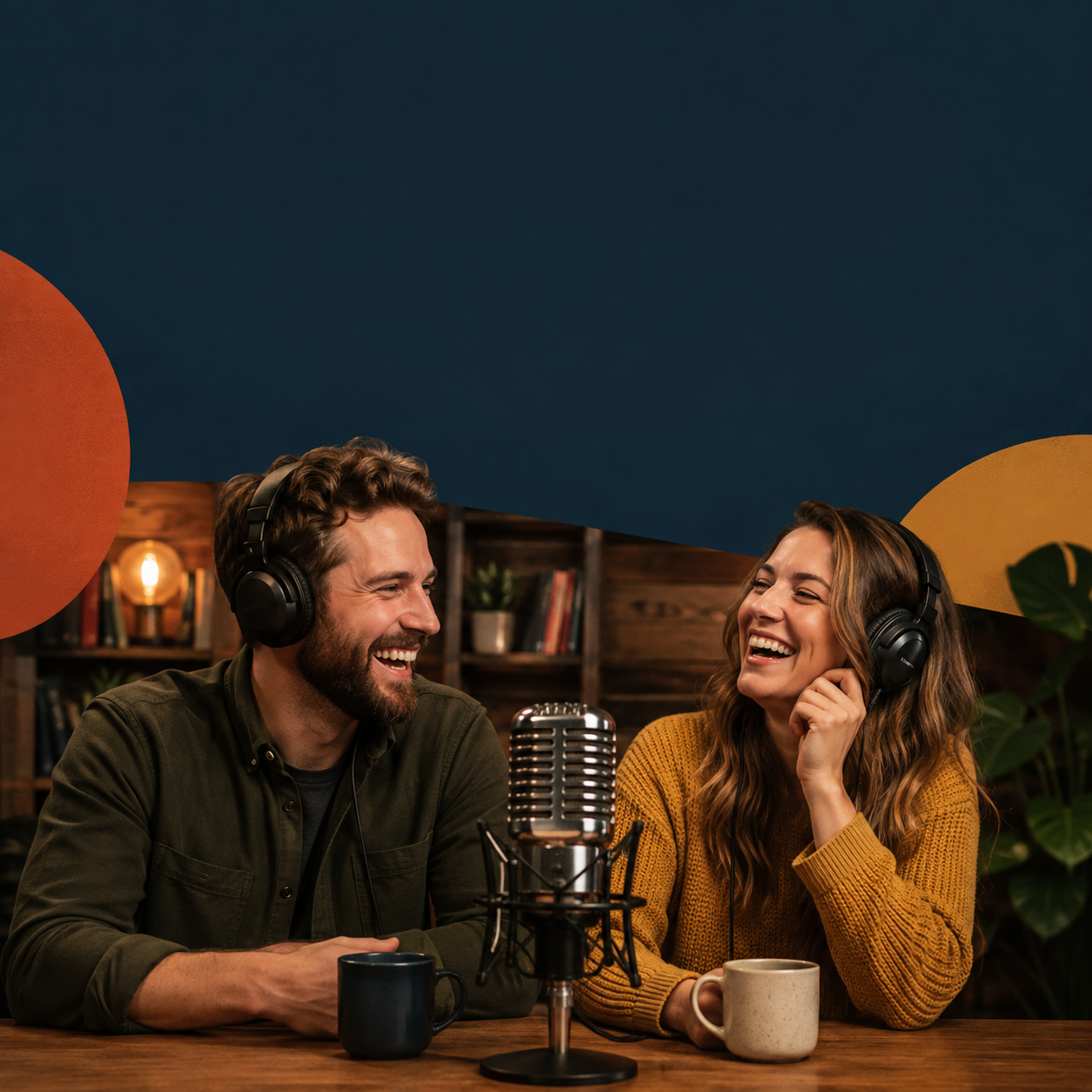
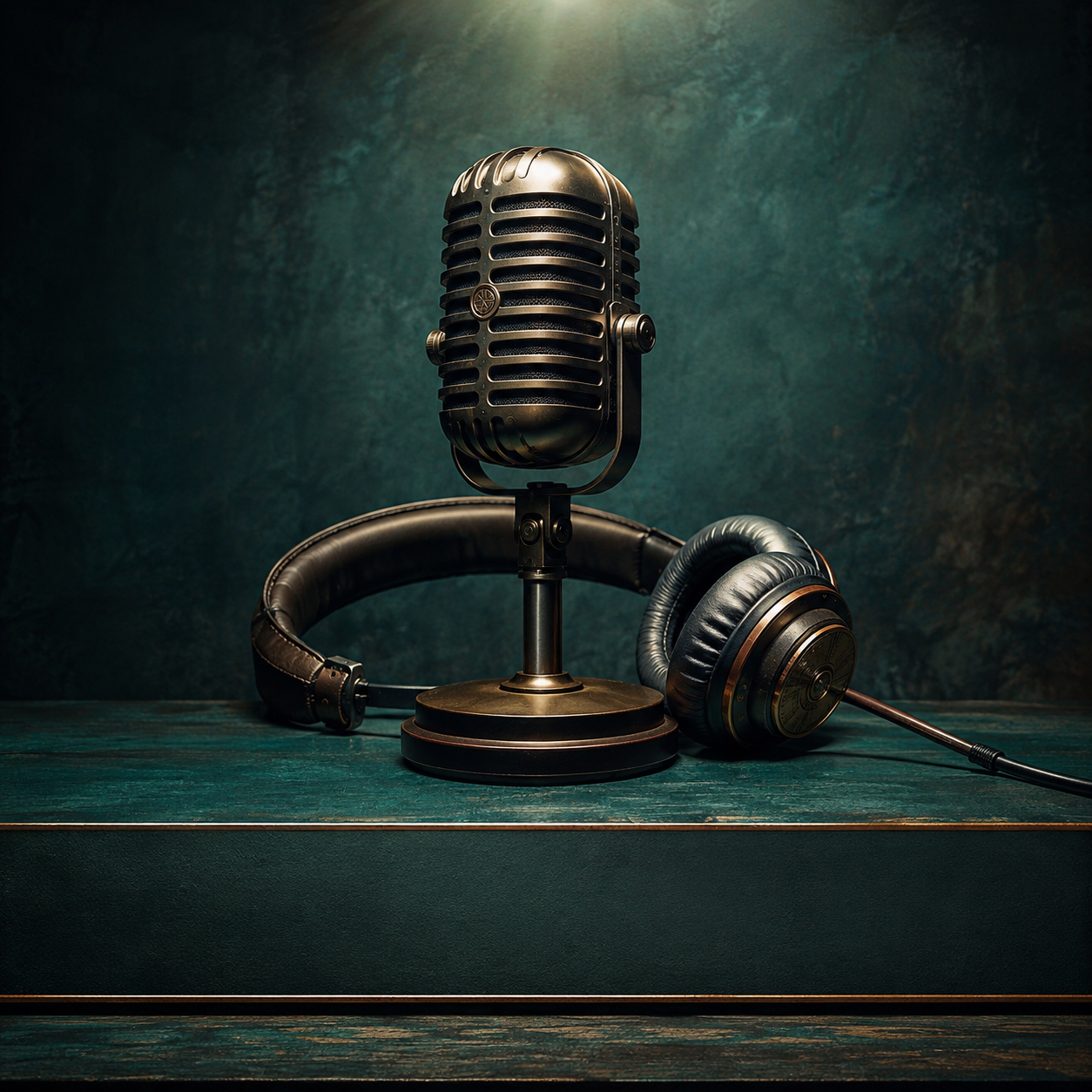
What is an AI podcast cover generator?
An AI podcast cover generator creates square artwork you can use as a starting point for Apple Podcasts, Spotify, and other directories that expect 1:1 covers. You describe hosts, props, or a symbolic scene — then export a downloadable file without opening a full design suite.
AI for Image Generation runs this free AI podcast cover generator in the browser. Guests get a daily free quota with no login required; signing in unlocks credits, history, and higher quality. Optionally upload references for consistency across seasons.
Small-size readability matters: keep large shapes and leave room for the show title if you will typeset it yourself. The best AI podcast cover generator output reads clearly at icon size in podcast apps.
Podcast cover size specs (Apple Podcasts, Spotify, and more)
Every major podcast directory expects a perfect square. Apple Podcasts and Spotify both recommend at least 1400×1400 pixels, with many creators exporting 3000×3000 for headroom. Generate at 1:1 in this AI podcast cover generator, then upscale or regenerate if your export is smaller than the platform minimum.
Apple Podcasts Connect validates minimum dimensions and file type (JPEG or PNG). Spotify for Podcasters accepts similar square artwork. Google Podcasts and Amazon Music follow the same pattern: square, high resolution, readable at thumbnail scale. One strong master file from your AI podcast cover generator can feed every host.
Do not embed episode numbers in the main show cover — that belongs on episode artwork. The show cover from an AI podcast cover generator should represent the brand for years; episode art can vary weekly.
Platform quick reference
- Apple Podcasts: 1400×1400 px minimum (3000×3000 px recommended), JPG or PNG.
- Spotify: 1400×1400 to 3000×3000 px, RGB square, JPG or PNG.
- Aspect ratio: always 1:1 — never upload a landscape image as your main show cover.
- File size: keep under each host’s upload limit (typically well above what this AI podcast cover generator exports).
How to design an eye-catching podcast cover
Podcast directories show your cover tiny next to dozens of rivals. The AI podcast cover generator should be prompted for one dominant idea — a face, a symbol, or a bold color field — not a busy collage that turns to mud at 55×55 pixels.
Contrast beats subtlety. Warm subject against cool background, or a single neon accent on dark gray, survives app compression. Mention “high contrast” and “simple background” in every AI podcast cover generator prompt until it becomes habit.
Genre cues help listeners self-select. True crime leans dark and cinematic; comedy may use bright flat colors; business shows often use clean typography zones. Match prompts to category expectations so the right audience stops scrolling.
- One focal subject — hosts, mic, or symbol — not six competing elements.
- Large empty band for show title if you add type after download.
- Consistent palette across seasons so subscribers recognize you instantly.
AI podcast cover generator prompt examples
Copy a structure, swap nouns for your show, generate twice, pick the clearer icon. That is the fastest way to use this AI podcast cover generator without prompt writer’s block.
Interview / talk show
- “Two hosts at a vintage mic, warm studio light, shallow bokeh bookshelf, square 1:1 podcast cover, bold empty left third for show title text, photoreal, high contrast.”
Solo narrative / true crime
- “Single ominous object — evidence folder and flashlight — on dark desk, cinematic rim light, minimal clutter, square cover art, space for large title, moody blue-gray palette.”
Tech / news
- “Abstract circuit pattern forming a microphone silhouette, electric blue on black, flat graphic poster style, square 1:1, center-weighted symbol readable at small size.”
Wellness / coaching
After generation, add your show name in Canva or Figma. AI lettering inside the image is still unreliable — the AI podcast cover generator excels at imagery, not final typography.
- “Soft sunrise gradient, single plant and headphones still life, calm minimal square composition, generous padding, pastel but high contrast focal object.”
Multi-episode and series consistency tips
Shows evolve but covers should not whiplash subscribers. Use the same AI podcast cover generator lighting vocabulary across prompts — for example “warm tungsten studio” or “neon cyan accent” — so seasonal refreshes feel related.
Upload your current cover as a reference image when generating episode promos or alternate seasons. Image-to-image guidance keeps palette and composition in family. Our online image to image AI studio accepts multiple references for that workflow.
When you rebrand, generate three variants with this AI podcast cover generator, test them at icon size on your phone’s podcast app, then pick the one that still reads when squinted. Re-upload the winner to every directory the same day to avoid mismatched listings.
AI podcast cover generator vs hiring a designer
Professional designers deliver brand systems and print-ready files — worth the investment for large networks. Independent hosts often need a strong square cover this week, not a six-week agency timeline. A free AI podcast cover generator bridges that gap.
Canva and Adobe Express offer podcast templates with drag-and-drop type. This AI podcast cover generator is faster when you want a custom photographic or illustrated scene that is not another template grid. Combine both: generate the scene here, add fonts in Canva.
Need stickers or social cut-downs from the same vibe? Try our free AI sticker maker or the free AI YouTube thumbnail generator for 16:9 promo frames that match your show art.
How to generate podcast cover art with AI
Step 1
Open the 1:1 preset
Jump to the studio with square framing and a podcast-oriented starter prompt from this AI podcast cover generator.
Step 2
Describe tone and subject
Mention genre (true crime, comedy, tech), lighting, and whether you want hosts, objects, or abstract art. Ask for space for a large title.
Step 3
Reuse references for series consistency
Upload a previous cover or logo mark so new concepts stay in family across episodes and seasons.
Step 4
Download and finalize typography
Export PNG or JPEG, then add crisp show titles in your design tool at Apple- or Spotify-recommended sizes (1400×1400 px or larger).
Limitations and best results
- Directory specs often want large square files (for example toward 1400–3000 px); upscale or regenerate if your export is smaller.
- AI lettering can warp — prefer adding the show name after download from the AI podcast cover generator.
- Busy collages look muddy as tiny icons — favor bold shapes and one focal subject.
- Guest daily quota applies; sign in when you need more iterations.
Frequently asked questions
What size should a podcast cover be?
Directories expect a perfect square. Apple Podcasts and Spotify recommend at least 1400×1400 pixels; many creators use 3000×3000. Generate at 1:1 here, then scale before upload.
Is there a free AI podcast cover generator?
Yes. Guests get a daily free generation quota with no login required on aiforimagegeneration.com. Sign in for credits, history, and higher quality.
Is it free to try?
Yes. Guests have a daily free generation quota. Sign in for credits and history.
Can I match an existing brand?
Upload reference images of your current cover or logo and describe the colors and mood you want to keep.
Do I need design skills?
No. Write a clear prompt, generate, and refine. Final title typesetting is optional in any editor.
Which export format should I use?
PNG or JPEG are common for podcast hosts. WEBP is available if your pipeline accepts it.
Will Apple Podcasts accept AI-generated cover art?
Yes, if it meets their square size and content guidelines. You own the workflow — review for accuracy and rights before publishing.
How do I keep episode art consistent?
Reuse reference uploads and the same prompt lighting cues. Generate variants in one session, then pick the set that reads at icon size.