
Guide · ai sticker maker free
AI sticker maker for clean, downloadable sticker-style art
Describe a character or icon, open the studio with a 1:1 sticker preset, generate, and download a shareable result.
Opens the homepage studio with a matching aspect ratio and starter prompt. free AI image generator homepage
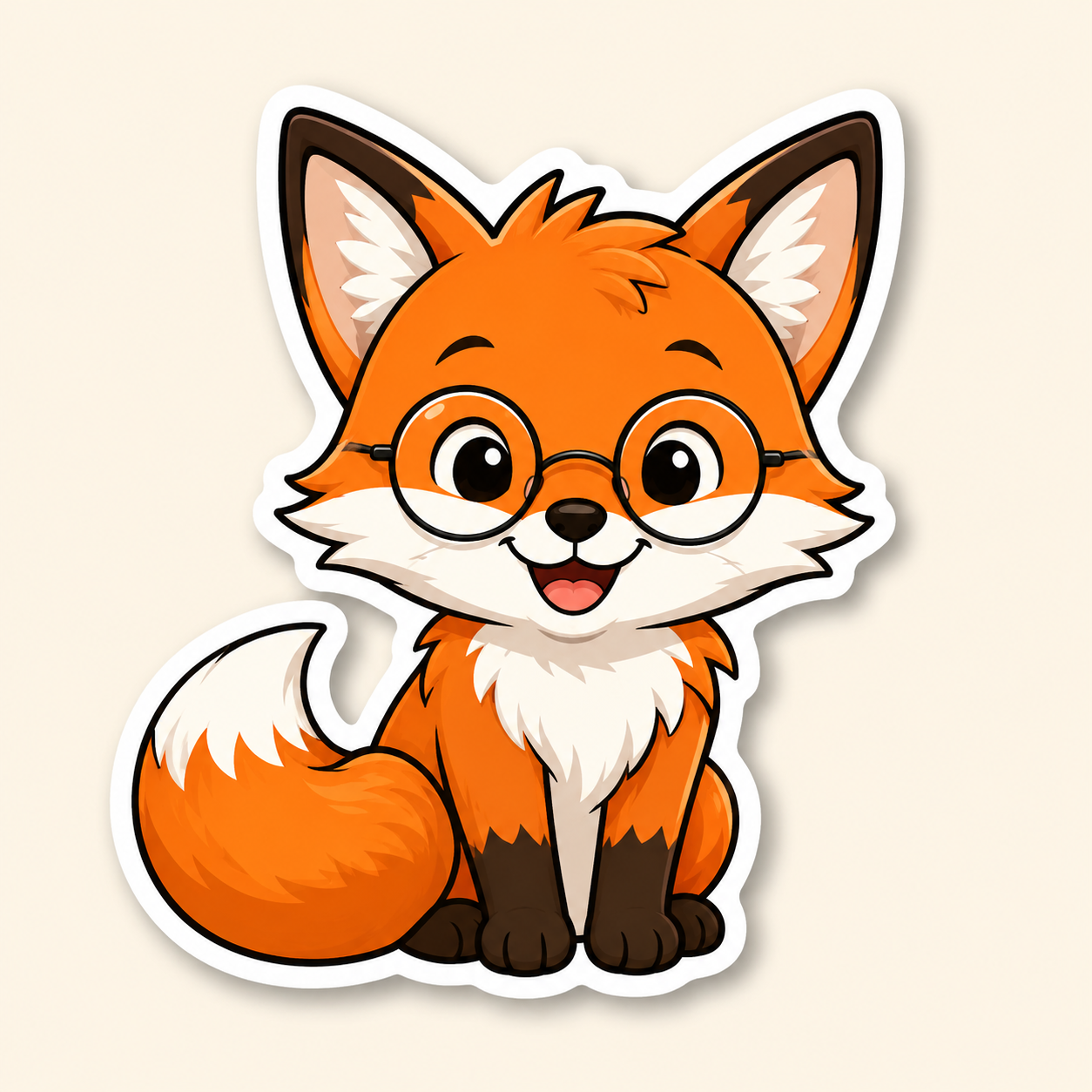
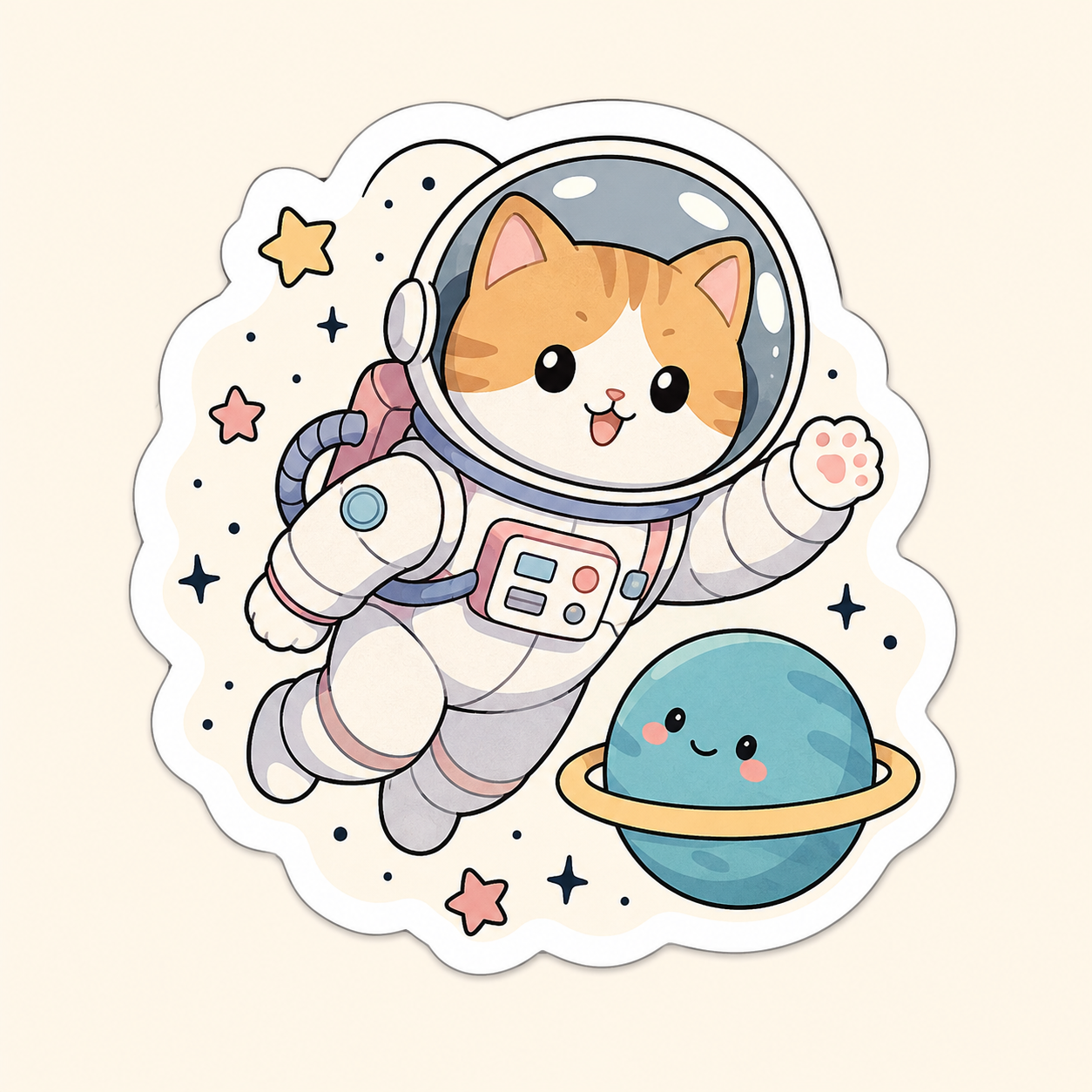
Example sticker-style results
Sample outputs in this use case. Open the studio preset above to generate your own variation.
What is an AI sticker maker?
An AI sticker maker turns a short text prompt into sticker-style artwork—usually a bold subject, clean edges, and a simple background you can crop or print later.
On AI for Image Generation, you stay in the browser: guests get a free daily generation quota; signing in unlocks credits, history, and higher quality. You can also upload reference images when you want the sticker to follow a face, mascot, or brand shape.
This page is for sticker-style stills (chat stickers, emoji-like icons, merch mock concepts). It is not a die-cut printer or automatic transparent-background exporter—download the image, then cut or remove the background in your print tool if you need a clear PNG.
How to make a sticker with AI
Step 1
Open the studio with the sticker preset
Use the button below to jump to the homepage studio with a 1:1 aspect ratio and a starter sticker prompt you can edit.
Step 2
Name the subject and style
Say what the sticker shows (character, pet, logo mark), then add cues like bold outline, flat colors, or kawaii. Keep the background simple so the subject pops.
Step 3
Optional: add a reference image
Upload a face or mascot photo if you want likeness. JPG, PNG, or WEBP up to 20MB each; you can add multiple references.
Step 4
Generate and download
Generate, preview, then download WEBP, PNG, or JPEG. Guests use the daily free quota; sign in if you need more runs or history.
Limitations and best results
- Transparent backgrounds are not automatic—plan a cutout step if you need die-cut vinyl.
- Tiny text inside the image often looks messy; leave labels for later editing when possible.
- Busy photographic backgrounds fight the sticker look—ask for flat or solid backdrops.
- Guest generations are limited per day; failed jobs should not burn a paid credit, but still check the on-screen quota.
Frequently asked questions
Is the AI sticker maker free?
Yes for guests within the daily free generation quota. Sign in for credits, check-in rewards, higher quality, and history.
Do I get a transparent PNG sticker?
The studio exports standard WEBP, PNG, or JPEG files. For a clear sticker sheet, download then remove the background in a cutout tool or printer workflow.
Which aspect ratio works best for stickers?
Start with 1:1 so the subject fills a square sticker cell. You can change ratios in the studio if you need a tall or wide sheet.
Can I use my own photo as a reference?
Yes. Upload reference images, keep a short prompt that asks for sticker outlines, then generate. The model follows the references plus your text.
Do I need an account?
No for the guest quota. An account is optional and adds credits, medium/high quality, and saved history.