
Guide · ai product photo generator
Generate product showcase photos with AI
Describe a SKU scene—or upload product references—then generate a clean hero frame for listings and ads.
Opens the homepage studio with a matching aspect ratio and starter prompt. free AI image generator homepage
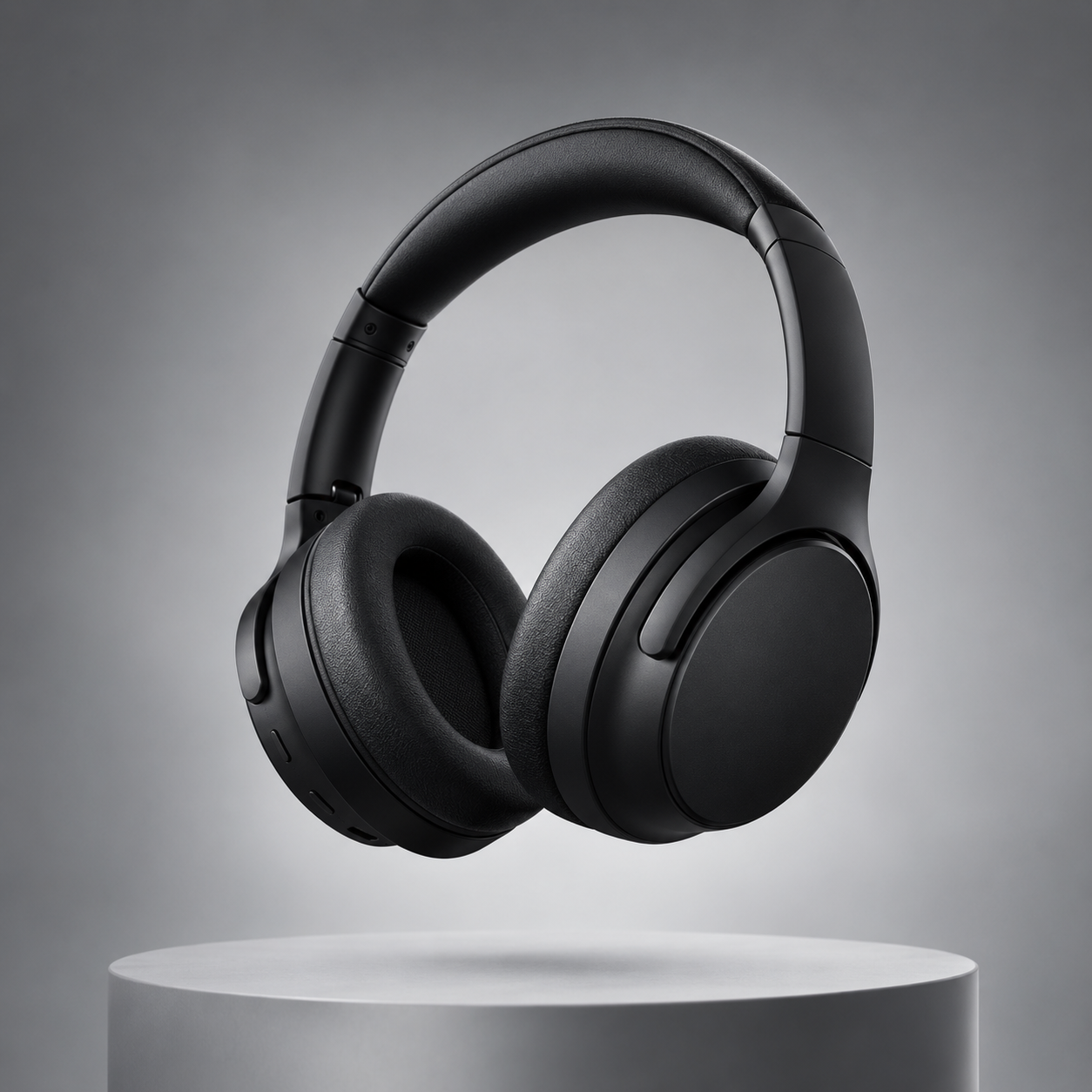
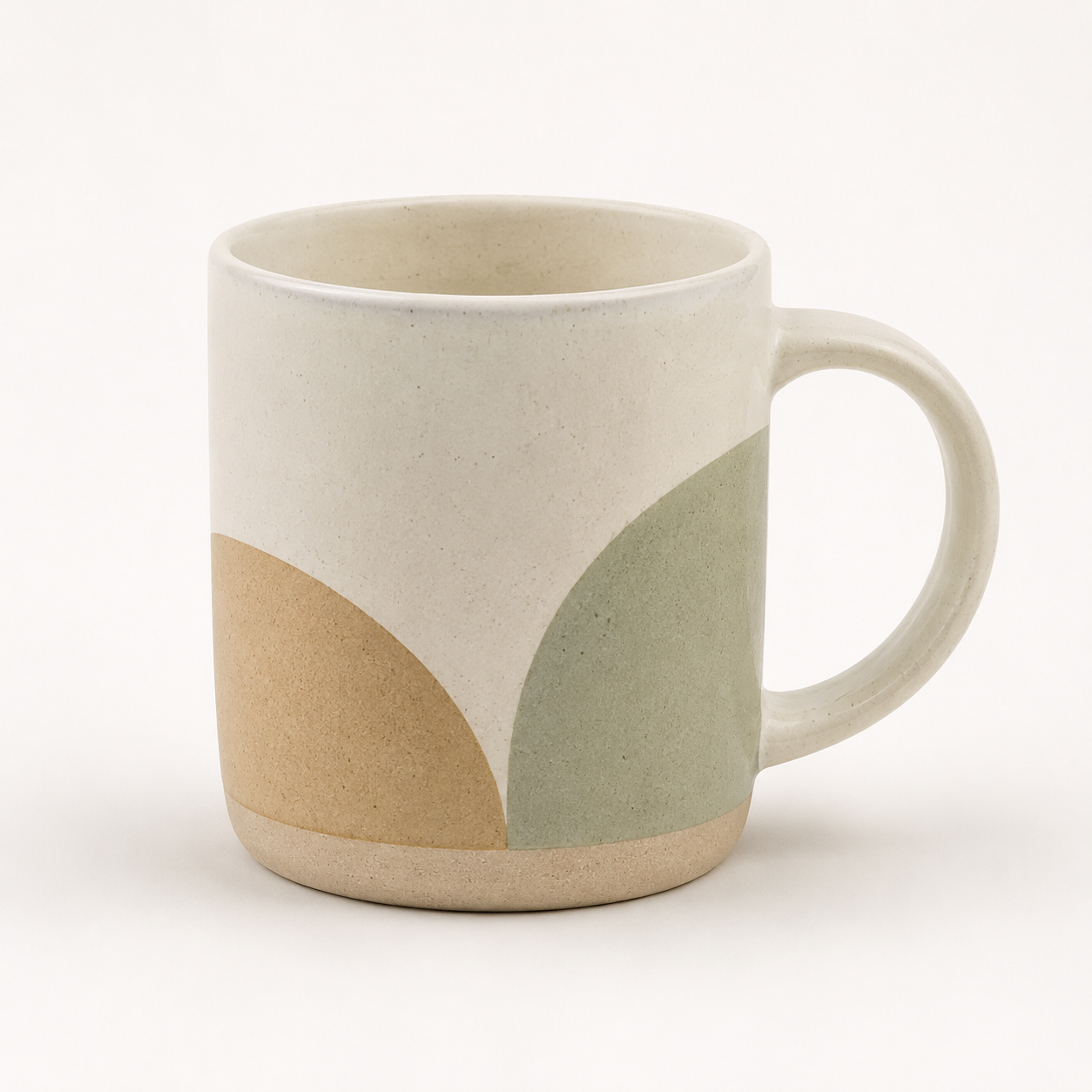
Example product showcase results
Sample outputs in this use case. Open the studio preset above to generate your own variation.
What is an AI product photo generator?
It helps you invent studio-style product frames: centered subject, soft lighting, and clean backgrounds suitable for listings or ads.
With AI for Image Generation you can start from text alone, or upload reference photos of a real SKU so the model keeps shape and branding cues while refreshing the set.
Be honest with shoppers: invented lifestyle scenes are concepts. For regulated claims or exact color matching, shoot or carefully review real photos.
How to create a product hero image
Step 1
Open the product preset
Launch the studio with a 1:1 ecommerce-oriented starter prompt and clean pedestal lighting cues.
Step 2
Describe materials and camera angle
Name the product, finish (matte, glossy), surface, and angle. Ask for generous negative space if you need room for price badges later.
Step 3
Upload real product references when accuracy matters
Image-to-image guidance works best with sharp, well-lit originals. Soft screenshots leave less detail to follow.
Step 4
Generate and export
Preview edges and reflections, then download WEBP, PNG, or JPEG for your store or ad tool.
Limitations and best results
- Exact packaging text and logos may distort—prefer real pack shots when legal accuracy matters.
- Heavy JPEG noise on references reduces fidelity.
- Do not use generations to fabricate certifications or misleading claims.
Frequently asked questions
Can I base the image on my real product photos?
Yes. Upload references, then prompt for a cleaner set or new angle while keeping the subject.
Which aspect ratio should I pick?
1:1 suits many marketplaces. Try 4:3 or 16:9 for banners after you like the subject.
Is there a free trial?
Guests get a daily free generation quota. Sign in for credits, higher quality, and history.
What formats can I download?
WEBP, PNG, and JPEG from the studio.
Will colors match my physical product exactly?
Treat AI output as a concept. Verify critical color and label details against the physical SKU before publishing.