
Guide · text to image ai free
Free text to image AI in your browser
Write what you want to see, open the studio, generate, and download—no app install required.
Opens the homepage studio with a matching aspect ratio and starter prompt. free AI image generator homepage
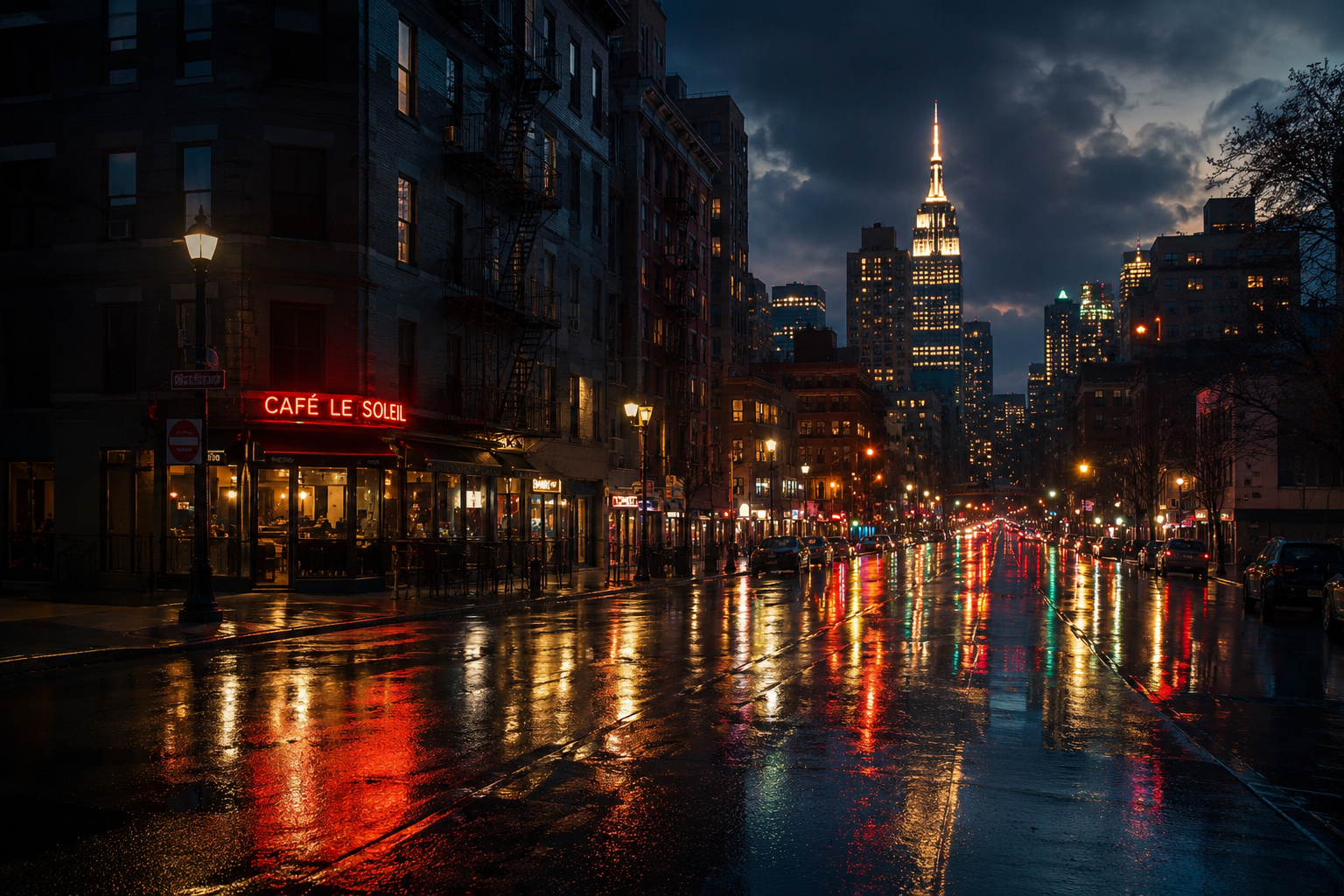
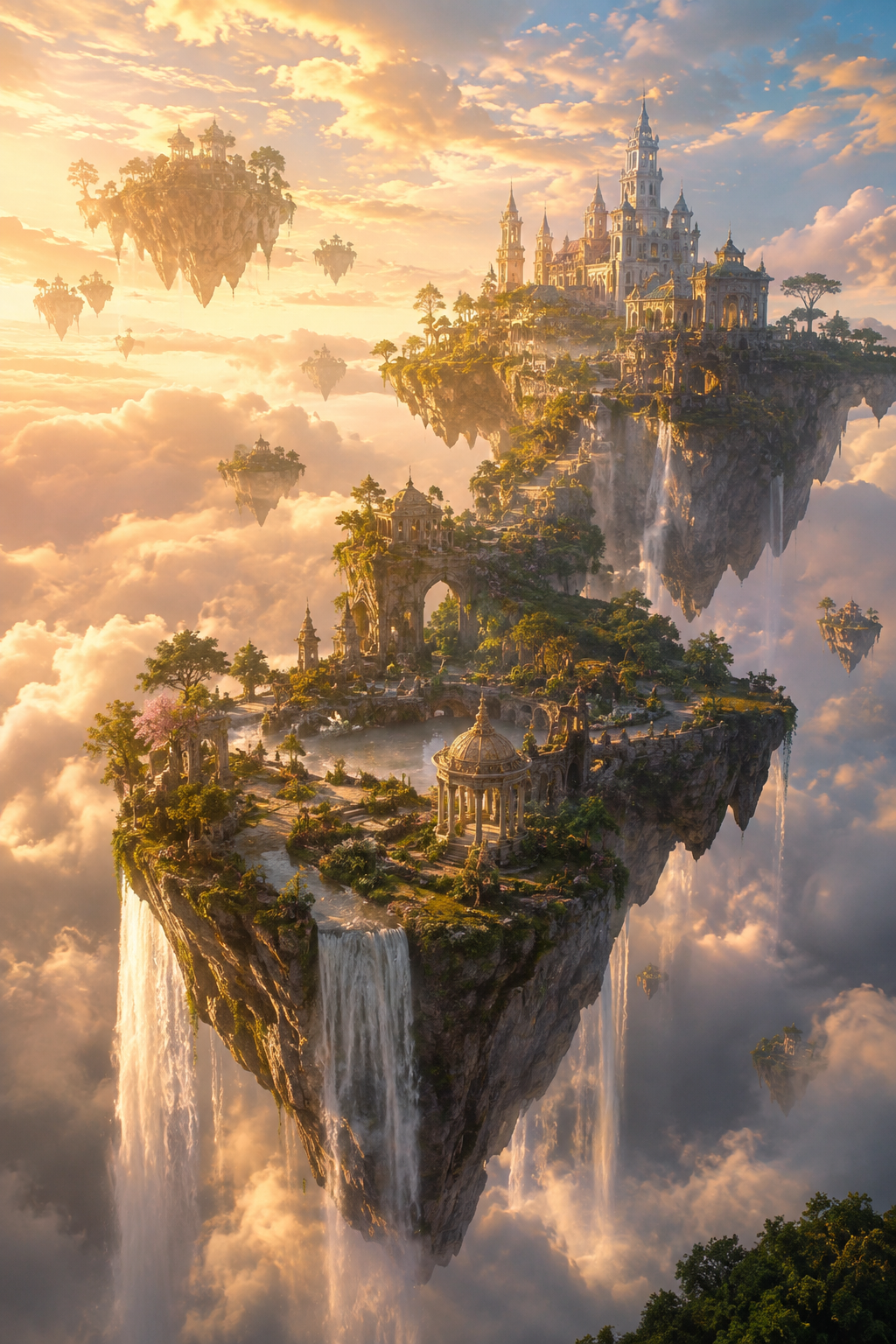
Example text-to-image results
Sample outputs in this use case. Open the studio preset above to generate your own variation.
What is text to image AI?
Text to image AI turns a natural-language description into a new picture. You name the subject, setting, lighting, and mood; the model synthesizes pixels to match.
AI for Image Generation puts the generator on the first screen of the homepage. Guests can try a free daily quota; signing in adds credits, check-in rewards, higher quality, and history.
If you already have photos to follow, use the image-to-image guide instead so references can steer the result.
How to run text to image
Step 1
Open the studio
Use the CTA to jump to the homepage studio with a starter cinematic prompt you can replace.
Step 2
Write a concrete prompt
Include subject, place, lighting, and style. Vague prompts produce vague images.
Step 3
Pick aspect ratio and format
Choose 1:1, 16:9, 9:16, and other presets, plus WEBP, PNG, or JPEG output.
Step 4
Generate and download
Preview the result, then download when ready. Optimize prompt is free if you want a clearer rewrite first.
Limitations and best results
- Fine text and tiny logos often warp—describe scenes, add type later.
- Guest quota resets daily; plan iterations accordingly.
- Reference-guided edits belong on the image-to-image page.
Frequently asked questions
Is text to image free?
Guests get a free daily generation quota. Sign in for more capacity via credits and higher quality tiers.
Do I need to sign up?
No for the guest quota. Accounts are optional for credits and history.
Can I improve my prompt first?
Yes. Smart prompt improve is free and unlimited; adopt the rewrite or keep your original.
Which ratios are supported?
Common options include 1:1, 16:9, 9:16, 3:2, 2:3, 4:3, 3:4, and auto.
Is this the same as the old /text-to-image workbench?
No. This guide points at the AI for Image Generation studio on the homepage—not legacy tool UIs.